

New UI trends flood the internet every year. Trends like Glass morphism, Bold animations, Ultra minimal layouts, AI powered interfaces, they all look modern and updated.
But the uncomfortable truth is, a beautiful website doesn’t mean it will convert automatically.
Even after investing heavily in trendy designs businesses see low engagement, high bounce rate, and disappointing leads.
The real question is not ” Does my website look modern ?”
It is ” Does my website help users take action ?”
In this article we will breakdown :
What actually converts in 2026.
How new UI trends impact usability.
Where visual design goes wrong.
And how to design websites that not only look good but also perform well.
UI trends Vs Usability : what's the difference?
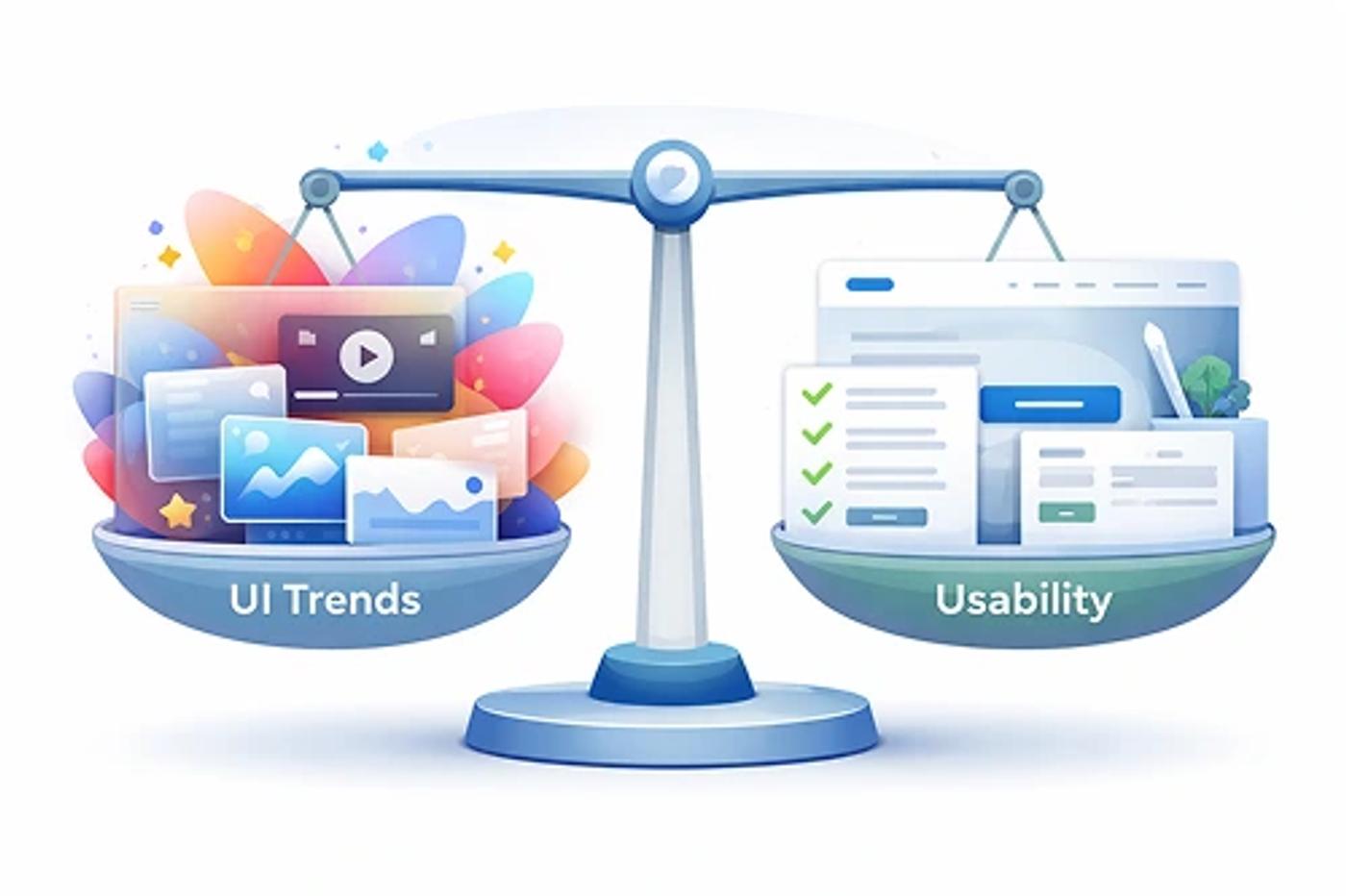
Let’s clarify this first.
What are UI trends?
UI trends are popular design styles that evolve every year. They mainly focus on how a website looks.
Examples include:
- Glass or blur effect
- Animated transitions
- Large typography
- Dark mode first design
- Minimalist layout
These trends influences a website’s visual appearance.
What is Usability?
Usability is about how quickly and easily users can:
- Understand your website
- Find information
- Navigate pages
- Complete actions
Usability focuses on clarity, speed and ease of using a website.
The core conflict
Problem may arise when:
- UI trends prioritize Aesthetic over User experience.
- Visual design hides important actions.
- Creativity overrides clarity and user behaviour.
This is how usability vs visual design becomes a real business issue.
How Modern UI trends impact usability in 2026?
Every modern UI trends are not bad but the issue is how they are used.
Trend 1 : Ultra minimal design
Minimal UI may look clean, but many sites removes even essential elements like:
- No clean heading
- Hidden navigation
- Vague buttons like " click here "
Impact:
Difficulty in understanding the website and as a result user engagement reduces.
Trend 2 : Heavy animations and motion
Animations may attract your attention, but excessive motion:
- Makes pages slow.
- Creates distraction for users.
- Reduces mobile performance.
The impact of UI design trends is greatly visible on low end devices specially on mobile devices.
Trend 3 : Design for designers, not users
Many websites are built to impress :
- Other designers
- Portfolio viewers
- Award platforms
But your customers are not designers, they just want to take your service or buy products.
What actually converts in 2026?
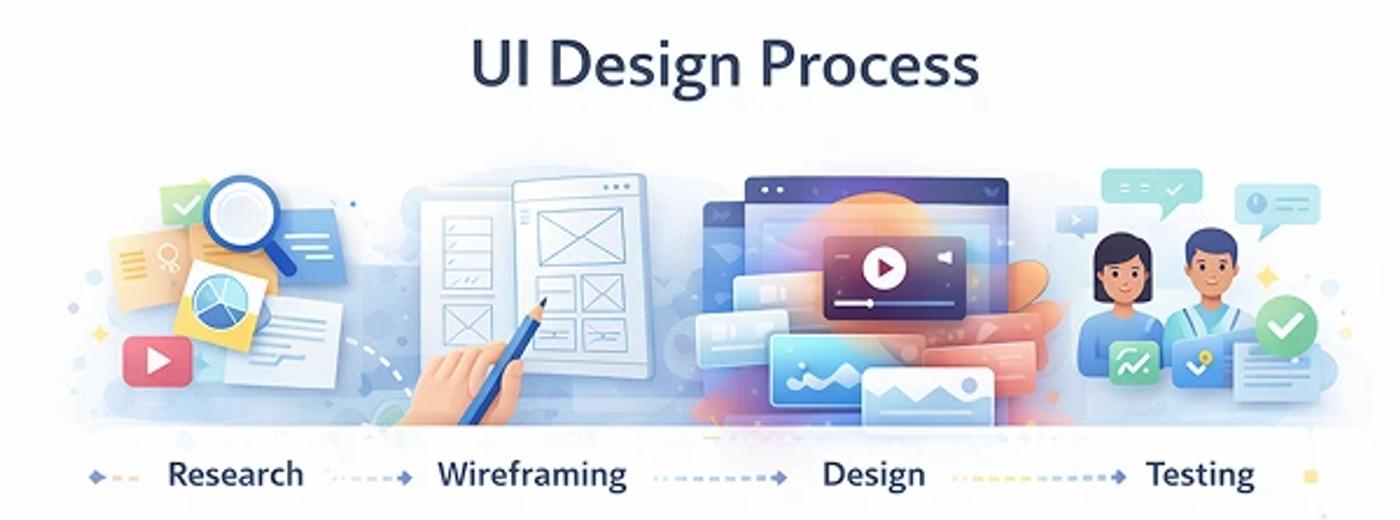
Let’s find out what’s working right now.
1. Clear visual hierarchy beats fancy UI
Conversion focused website prioritize :
- One clear goal per page.
- Strong headings.
- Clear call to action buttons.
Users should have clear understanding of each section of the website.
2. Familiar patterns win
Clear menus, clickable buttons, forms that are understandable makes things easy for users. Modern UI trends and usability should respect familiarity.
3. Speed is a conversion factor
Sometimes heavy UI elements slow down websites. And it impacts :
- Website trust
- SEO rankings
- Conversion rate
Usability-first design loads fast and creates good user experience.
Real world business scenario
Scenario 1 : Startup landing page
A Saas company redesigned it’s website with:
Full screen animations
No visible pricing
Hidden navigation
Result: Bounce rate increased by 27% .
After simplifying the UI and clarifying CTAs :
Trial signups increased by 41%.
Scenario 2 : Local service business
A service business website followed a minimalist trend :
No phone number above the fold.
Vague buttons like ” Learn more “
After improving usability :
Calls increased.
Lead generation doubled.
How to balance UI trends with user experience
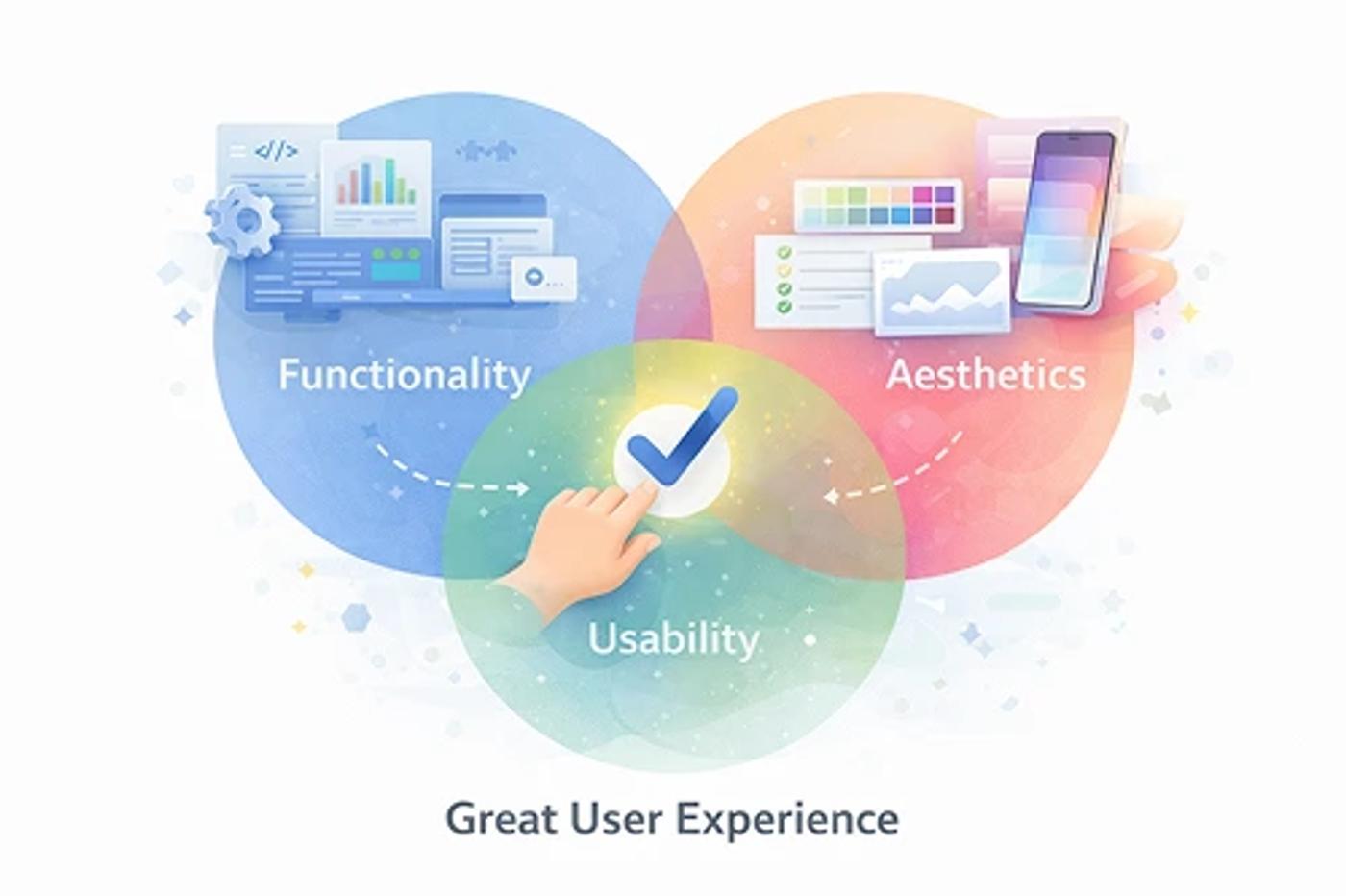
You don’t need to choose one over the other. Trends should support usability not replace it.
- Use new UI trends selectively.
- Design with mobile first.
- Keep navigation familiar.
- Optimise for Speed.
The perfect balance between UI trends and Usability separates a good looking website from a high converting one.
Benefits of usability-first UI design
Better conversions
Clear navigation and layouts increase clicks, leads and sales.
Improved SEO
Usability improves:
- Engagement time
- Page speed
Search engines likes usable websites.
Stronger trust
Websites which feels easy and familiar builds trust.
Actionable takeaways for business owners
- Don't copy trends blindly.
- Ask " Is it going to help my users? "
- Prioritize clarity over creativity.
- Website speed should not be compromised.
- Measure conversions.
Conclusion :
Trends will always change but user behaviour won’t.
Websites that convert in 2026 :
- Fulfills user expectations.
- Use trends only when it supports other aspects.
- Focus on usability first.
- Design for real users, not other designers.
Frequently Asked Questions
1. Are UI trends bad for usability?
Not always. It create problem when they interfere with clarity, speed or navigation.
2. What matters more : UI or UX?
UX matters more for conversions and UI should support UX, not compete with it.
3. How do I know if my UI hurts usability?
High bounce rates, low engagements and confused users are strong signals that your website needs improvement.
4. What's the best UI approach in 2026?
Simple layouts, clear navigation and fast loading websites will perform better in 2026.


