

Redesigning websites is always exciting as it adds new look, better features and enhances performance. But sometimes they only focuses on design and forgets proper strategy.
Many businesses relaunch beautiful websites that lost traffic, broke forms or confused users. In some cases sales impacted right after launch.
So it is very important to follow a proper website redesign checklist before launch, and it is not only design review but a full strategy, SEO and conversion check.
In this article I will explain everything in simple and practical steps.
Why you need a website redesign checklist before launch?
It is not just about colors and layouts.
It impacts :
- Google ranking
- Leads and sales
- Brand trust
- User experience
Without a proper website relaunch checklist, you risk :
- Losing SEO traffic.
- Broken links and 404 errors.
- Slow loading speed.
- Forms not working.
- Tracking data disappearing.
Website redesign checklist before launch
Let’s break it down into clear, actionable sections.
1. strategy and goals check
Before launch, ask the following things :
- What is the primary goal of this redesign?
- More leads?
- Improved branding?
- Faster performance?
- Increased conversions?
What you need to verify :
- Clear value proposition on homepage.
- Strong call to action (CTA) on important pages.
- Target audience clearly defined.
Example :
If you are running a local service business then, your phone number and main CTA button should be clearly visible above the fold.
2. SEO checklist
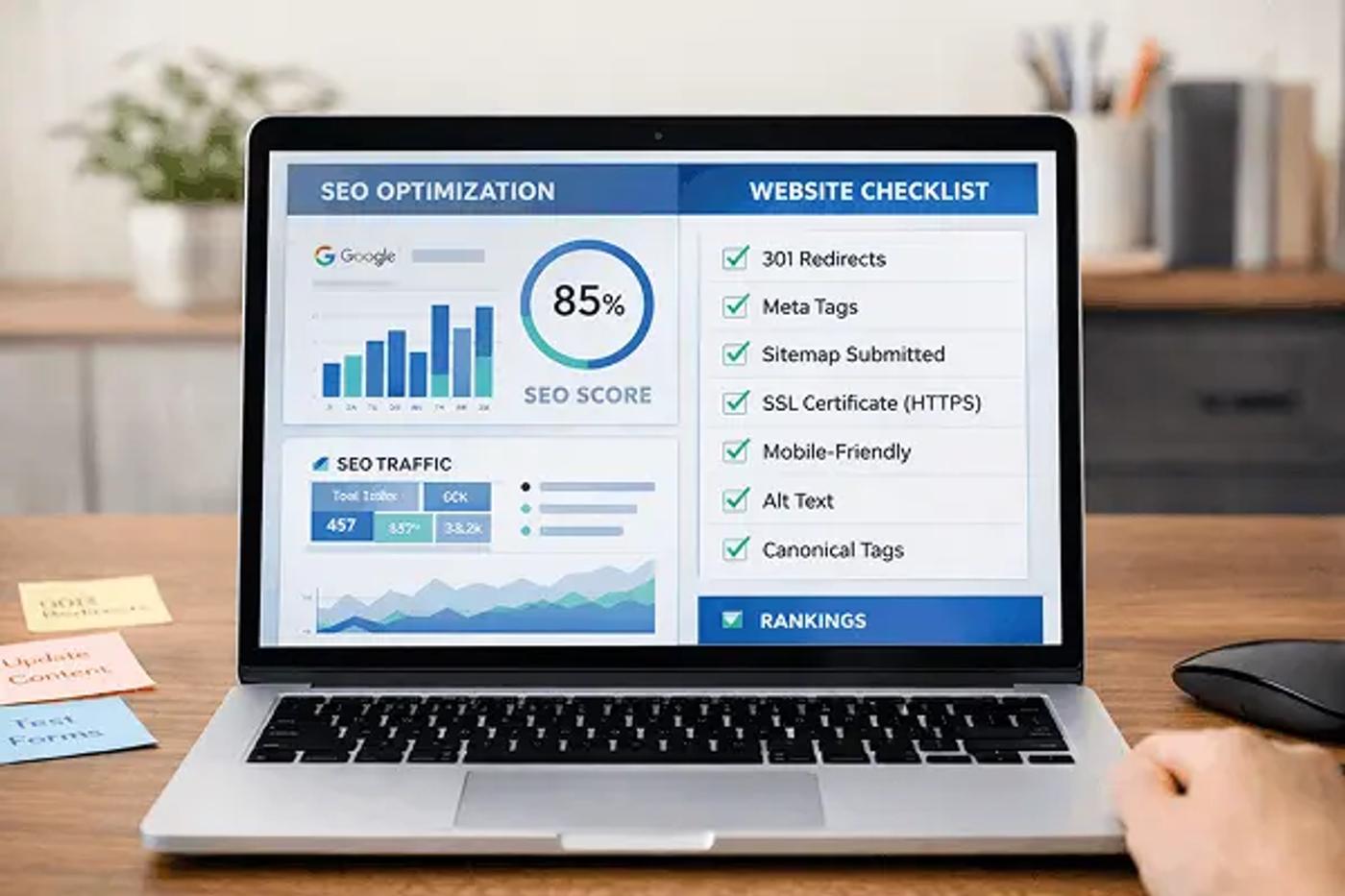
This is where businesses makes big mistakes. When redesigning, URLs often change, and if you don’t do this properly, Google rankings can drop.
Technical SEO checklist :
- Keep existing URLs if possible.
- Setup 301 redirects for changed URLs.
- Submit updated sitemap.
- Check robot.txt file.
- Install SSL (HTTPS).
- Optimize meta title and descriptions.
- Check canonical tags.
On page SEO checks :
- Each page should target one main keyword.
- Proper H1, H2, H3 structure.
- Internal linking of important pages.
- Image alt text added.
- No duplicate content.
This part of your website redesign checklist ensures you don’t lose organic traffic.
3. Content review and optimization
During the redesign process you should also consider improving your content.
Check the following things:
- Is the content clear and simple?
- Does it answer customer queries?
- Is your service page or products page properly structured?
Improve :
- Headlines
- Service descriptions
- Testimonials
- FAQs
Real scenario :
A cleaning service business website redesigned its website but kept long descriptive paragraphs. We recreated the contents with simple and short paragraphs and conversions improved by 32%.
Clear communication creates positive impact.
4. UX and navigation check
A good design looks nice but a good UX makes users take action.
Navigation checklist :
- Maximum 6 to 7 main menu items.
- Simple and clear labels.
- Logical page hierarchy.
- Easy to find contact page.
User experience checklist :
- Mobile friendly design.
- Readable fonts.
- Proper spacing.
- Fast loading pages.
- Sticky CTA buttons.
Your website redesign checklist should always include mobile testing.
5. Speed and performance optimization
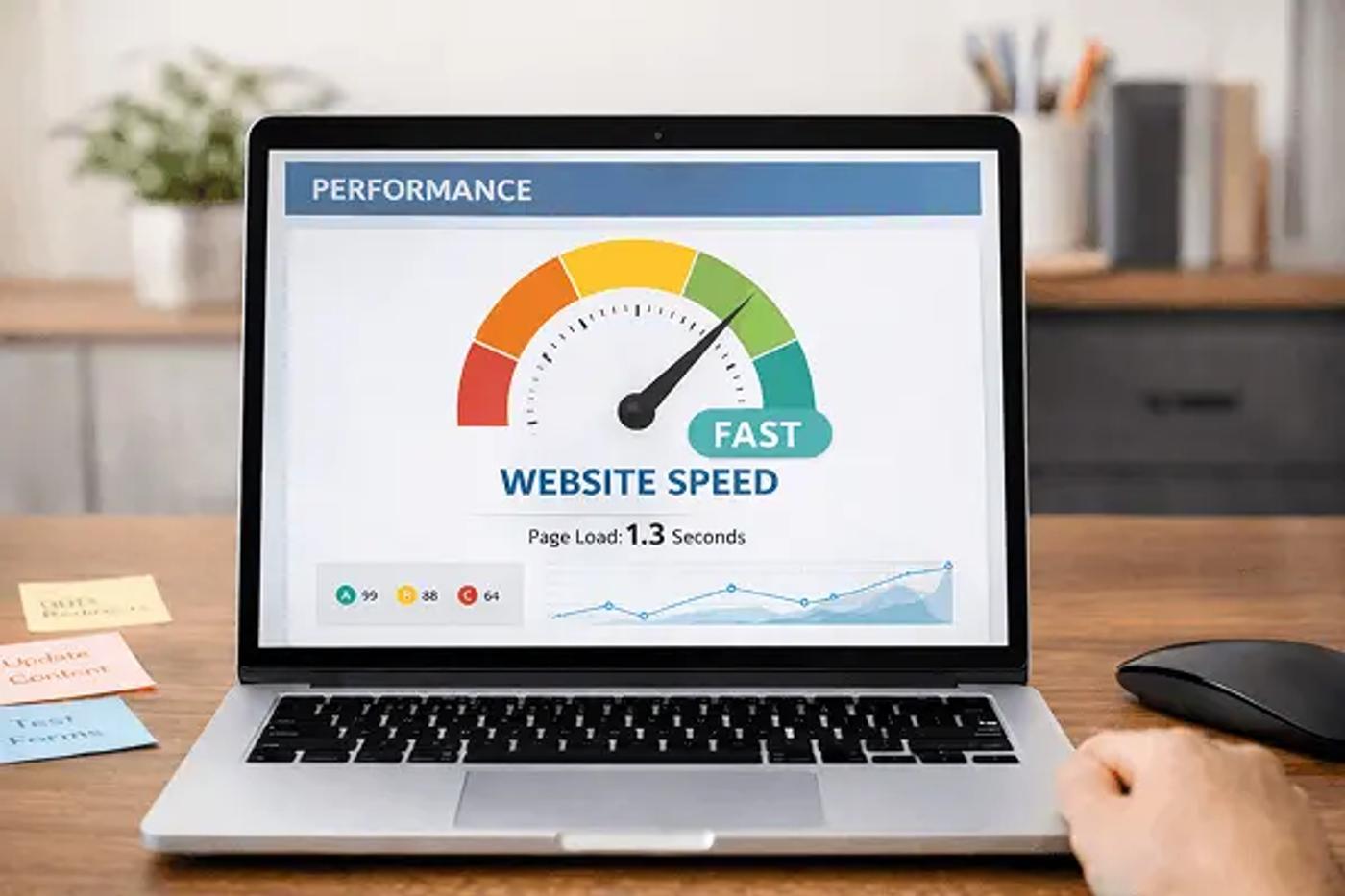
Speed is an important factor which affects :
- SEO
- User experience
- Conversions
If your website loads in more than 3 seconds, then you will lose visitors.
Performance improvement tips :
- Compress images.
- Use webp format.
- Enable cashing.
- Minify CSS and JS.
- Use CDN.
- Remove unnecessary plugins.
For wordpress users using multiple plugins of similar type is a common issue.
6. Conversion Optimization review (CRM)
Redesign is not going to be helpful if it fails to improve conversions.
Check the following :
- Clear CTA buttons.
- Contact forms working.
- Thank you page setup.
- Lead magnets working.
- Live chat tested.
Improve :
- Add trust badges.
- Show testimonials.
- Include real photos.
- Highlight guarantees.
Real scenario :
An e-commerce clothing brand redesigned their site but ignored to simplify checkout, as a result abandoned carts increased. After reducing form fields, conversions improved.
Small UX improvements can bring big results.
7. Tracking and Analytics setup

Do not launch your website without tracking.
You must confirm :
- Google Analytics installed.
- Google tag manager working.
- Facebook pixel installed (is running ads).
- Conversion tracking setup.
- Goal events configured.
Your pre-launch website checklist must include testing tracking tools.
8. Forms, emails and integration testing
Many redesigns ignores this important part.
Before launch, test :
- Contact forms
- Newsletter sign up
- CRM integrations
- Email automation
- Payment gateways
- Check if emails are received.
- Check spam folder.
- Check if CRM captures the lead.
- Never assume it works.
9. Security and backup
This part is often ignored during redesign.
Security checklist :
- SSL certificate active.
- Strong admin password.
- Security plugin installed.
- Backup system configured.
- Firewall enabled.
If something wrong happens during launch, backup saves you.
10. Cross-browser and device testing

Your website should work on different browsers and devices without any issue.
Check for :
- Chrome
- Safari
- Edge
- Mobile devices
- Tablets
Also check :
- Button alignment
- Font display
- Forms
- Sliders
- Popups
Your website relaunch checklist should include real device testing, not just desktop preview.
11. Final pre-launch review
Before final launch, check :
- Whether all pages indexed properly?
- All staging URLs removed?
- Whether no-index removed from live site?
- If 404 errors fixed?
- Whether sitemap submitted?
Common mistakes during website redesign
1. Ignoring SEO
Website traffic drops after launch.
2. Changing all URLs
Without redirects, ranking vanish.
3. Over designing
Too many heavy UI elements slows everything down.
4. Forgetting mobile experience
Most users are mobile-first, so you cannot ignore it.
5. Launching without testing
Forms break, payment system don’t work properly.
Avoid these mistakes, and your redesign will become a growth tool, not a burden.
Benefits of following a proper website launch checklist
If proper steps followed, a redesign can :
- Increase conversion rate.
- Improve search rankings.
- Reduce bounce rate.
- Strengthen brand trust.
- Improve page speed.
Website redesign is like an investment and if you do the right thing then that investment brings result.
Conclusion :
A redesign can boost your business or damage it. The difference is strategy and planning.
By following a complete website redesign checklist before launch ensures your new website improves :
- SEO
- Conversions
- User experience
- Brand trust
Don’t consider redesign as a design project, rather take it as a business strategy. Launch smart. Test everything. Optimize continuously. That’s how successful businesses redesign their website.
Frequently Asked Questions
1. What is a website redesign checklist before launch?
It’s a planned steps to ensure your new website is optimized for SEO, speed, usability, and conversions before going live.
2. How long should a website redesign take?
It depends on number of pages. A small business website may take 3 to 5 weeks , and larger sites can take 2 to 3 months.
3. Will I lose SEO traffic after redesign?
You may lose organic traffic if redirects and SEO settings are not handled properly. A proper website relaunch checklist prevents this.
4. Should I redesign or just recreate content?
If your structure, UX and speed is outdated, then consider redesigning. If design is fine but content is poor, then update content.
5. What should I check immediately after launch?
Check traffic levels.
Broken links.
Form submissions.
Page speed.
Search console errors.
Monitor daily for the first 2 weeks.


